Get dangerously good at the cut.
Four ways in, one order. Start in the Corner. Take the Crash Course when you're ready to build the skill for real. Book a Rough Cut when you want my hands on your timeline every month. Apply to the Edit Suite when you want a quarter with me.
The Editing Corner
A membership on Whop where I teach everything I know about editing — in CapCut, on my phone, the way I actually do it. It's the cheapest way to be in the room with me, and that's on purpose.
- Lessons
- Start with The Layer Cake if you're new; they build on each other.
- Trend Drops
- Every Tuesday, one trending format broken down in under five minutes, with the project file.
- Packs
- Presets, fonts, caption styles, overlays, transitions, a monthly sound sheet.
- The chat
- Post your edits, get real notes. Once a month, watch me edit live.
The Crash Course
Six modules, 45 minutes or more each, built as follow-along pages: the video on the left, a checklist that ticks off as you hit each step on the right, project files underneath. You edit while you watch. By the end you can build any of the six from scratch — and the seventh one you invent yourself.
- 1
- The Layer Cake — CapCut decoded. Your first full edit start to export.
- 2
- Read the Footage — the story before the cut.
- 3
- Un-Scrollable — captions first, cut on the feeling, retention pass.
- 4
- Not the Default — type that serves. A caption system you reuse forever.
- 5
- Layers on Layers — overlays, masks, keyframes. The sunglasses-reflection edit rebuilt live.
- 6
- Something That Shouldn't Exist — AI that doesn't look like AI.
Corner members get it for less. Founding spots are capped.
Get the Crash Course →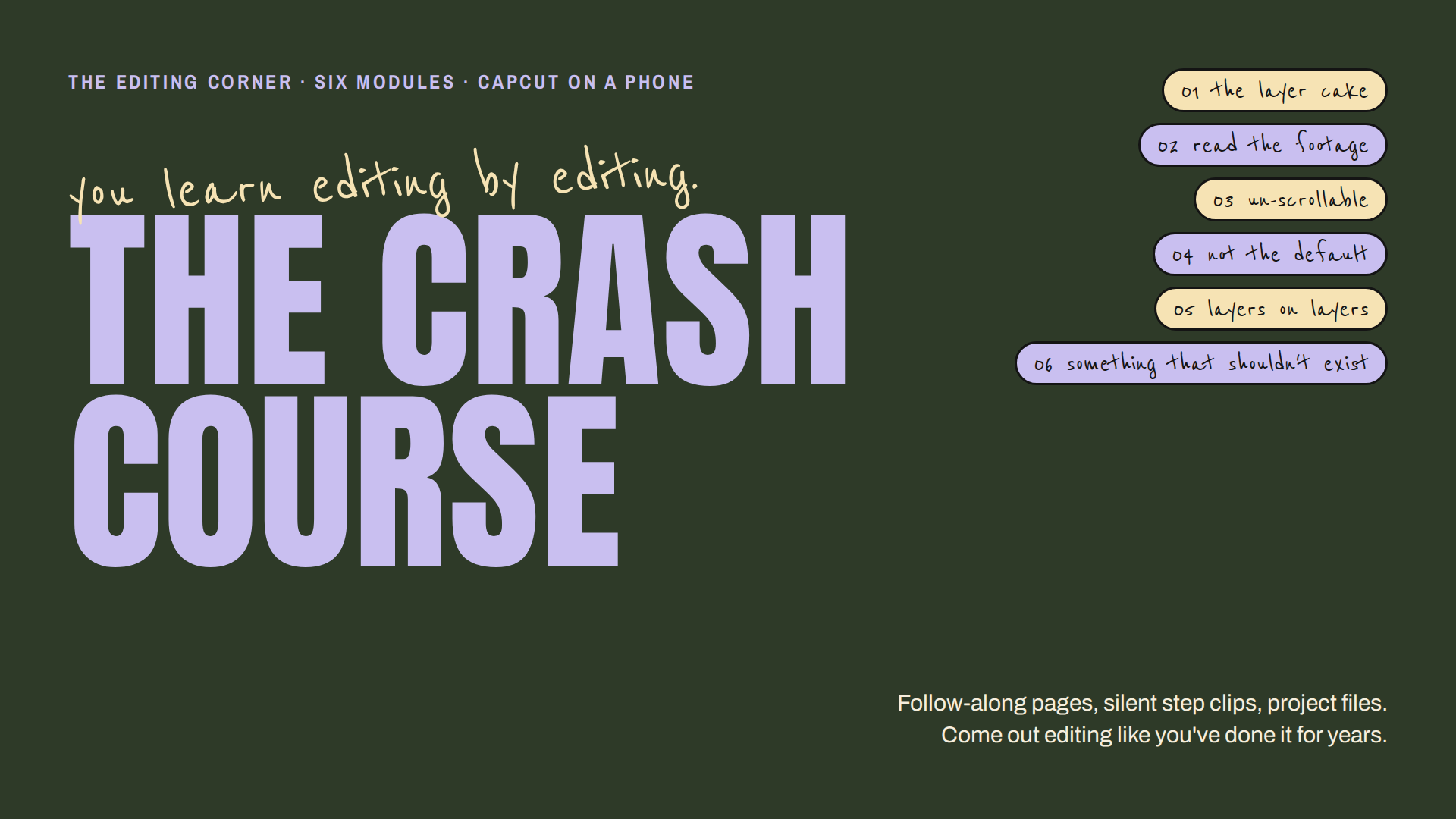
The Rough Cut
A monthly editing retainer. You shoot, I cut. I hold the creative direction and curate a visual identity that's unmistakably yours — captions, color, pacing, type — so every post looks like it came from the same person, because it did.
- The edits
- Five to twenty videos a month, finished and ready to post, delivered within five business days.
- The direction
- A monthly call on what you're making and why. I keep the thread between posts so you don't have to.
- The identity
- A living style guide — your caption system, presets and type — built from your first month and refined every month after.
Who it's for: you're posting consistently, the footage is good, and editing is the thing eating your week.
Book a Rough Cut →The Edit Suite
Twelve weeks, one on one, purely about editing as a skill. Three 90-minute screen-share sessions where we edit your footage together, two weeks of async review after each one, and a personal library of the presets and templates we build along the way.
Four seats a quarter. Application only.
Apply for the Suite →Questions people actually ask.
- Do I need a computer?
- No. Everything is CapCut on a phone. That's the whole point.
- I've never edited. Where do I start?
- The Corner, lesson one, The Layer Cake. Then come say hi in the chat.
- What's the difference between the Rough Cut and the Suite?
- The Rough Cut is me editing for you, every month. The Suite is me teaching you to edit, for a quarter.
- Do you teach the AI stuff?
- The method, yes. A couple of my signature tricks stay mine.